Keep footage recorded on site and manage every camera from the cloud. OpenEye suits businesses with more than one location, or owners who want to check in from anywhere without IT headaches.

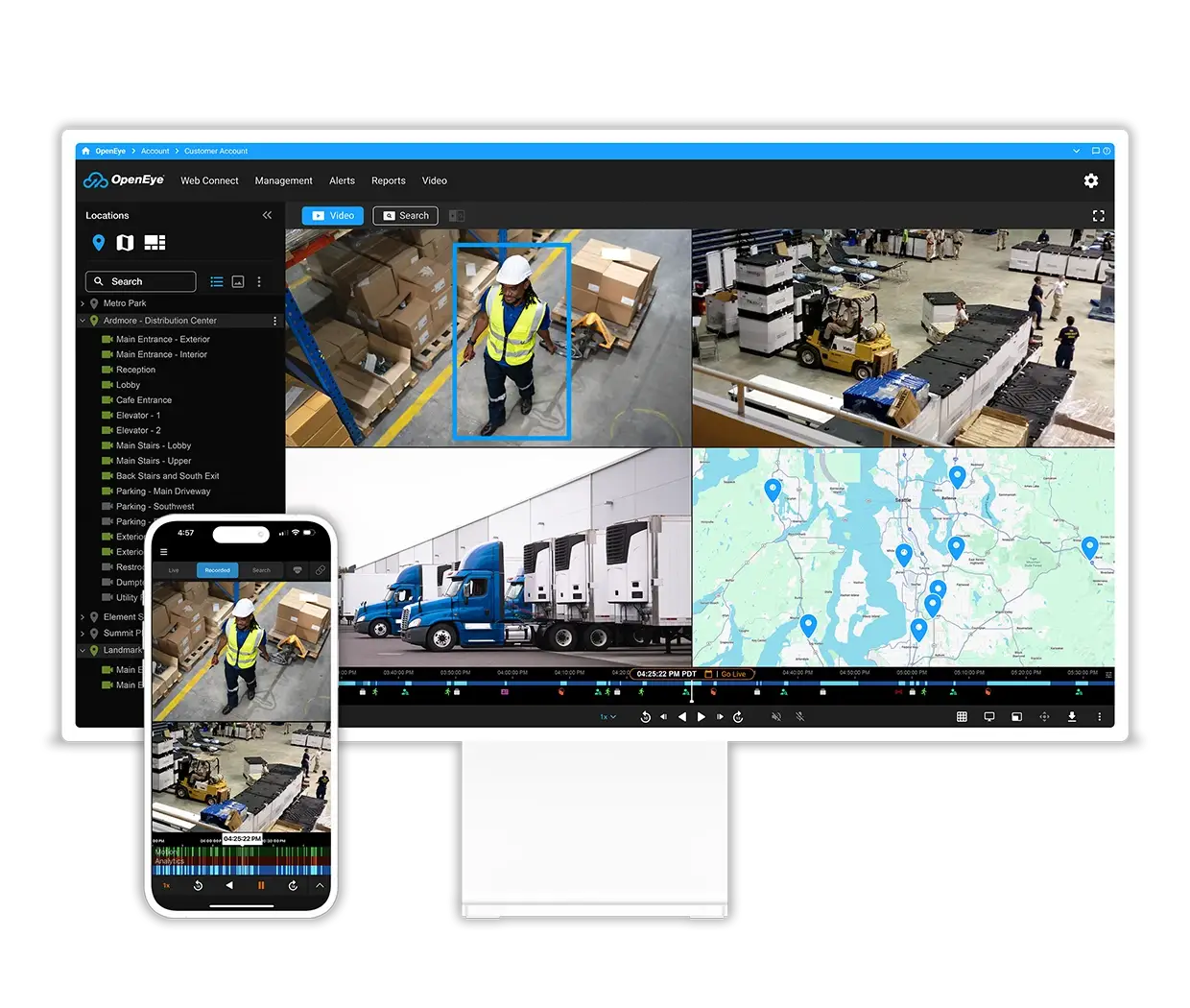
OpenEye’s platform, OpenEye Web Services (OWS), puts every camera and recorder you own in one web and mobile dashboard. Recording can stay on a local recorder, so you keep high-quality video without filling your internet connection, while health checks, user permissions, and remote viewing all run in the cloud.
OpenEye is an Alarm.com company and works directly with Alarm.com and Brivo. Door and alarm events can show up next to the matching video clip. It also supports many third-party cameras, so an upgrade doesn’t always mean starting over.
Built for owners and managers, not just security staff.
See every store, office, or property in one place, with per-location access for each manager.
Find a person, vehicle, or event in minutes instead of scrubbing through hours of footage.
Get notified if a camera or recorder goes offline, before you find out the hard way.
Record on site for quality and cost, and push key events to the cloud as a backup.
Alarm.com and Brivo events link straight to the video so you can verify what happened.
Lights and audio can trigger on detected activity to discourage trouble before it starts.
We look at each location and what you need to see at each one.
Camera layout, recorder sizing, and cloud plan options, all itemized.
We install cameras and recorders, connect them to OWS, and set user access.
We get alerts when equipment drops offline and can troubleshoot remotely.
Tell us how many sites and cameras you’re working with. We’ll show you what one dashboard looks like.